
Media Kit
Official logos, screenshots, brand colors, and fact sheet for press, bloggers, directories, and partners. Everything on this page is free to use when writing about Wild & Free Tools — no permission needed, just follow the usage guidelines below.
Company Facts
- Name
- Wild & Free Tools
- URL
- wildandfreetools.com
- Category
- Free online tools · Browser-based utilities · AI tools
- One-liner
- 357+ free online tools — no signup, no install, everything runs in your browser.
- Launched
- 2026
- Pricing
- Free forever — no premium tier, no paywalled features, no upsells.
- Privacy model
- All file processing happens locally in your browser. Files never leave the user's device.
- Tool count
- 357+ tools across 27 categories (PDF, image, video, audio, AI, OCR, developer, converter, text, SEO, YouTube, design, and more).
- Demo video
- youtube.com/watch?v=6O4Rcamhqc4 (45 seconds, 1080p)
- Press contact
- [email protected]
Logo Assets




Feature Thumbnails
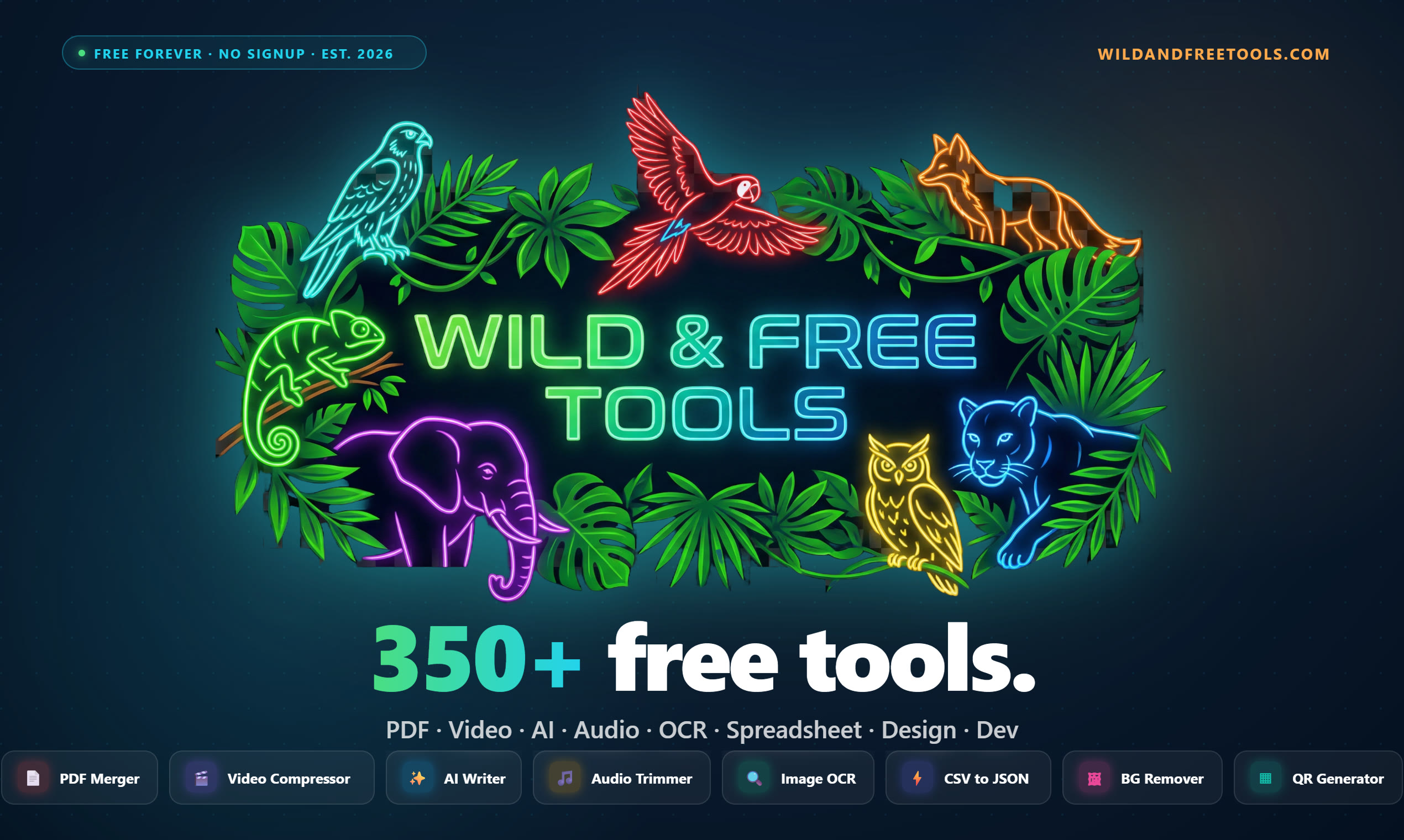
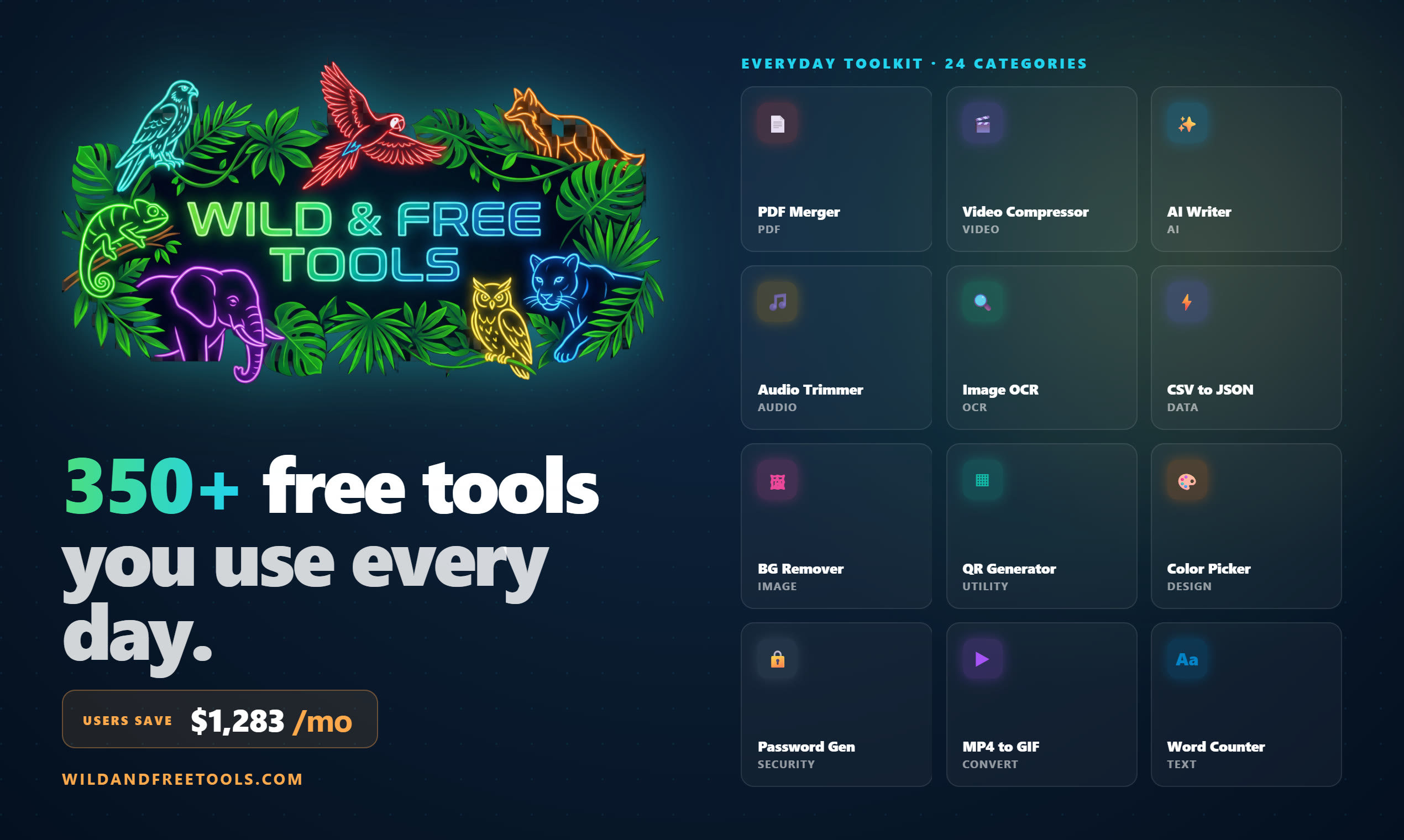
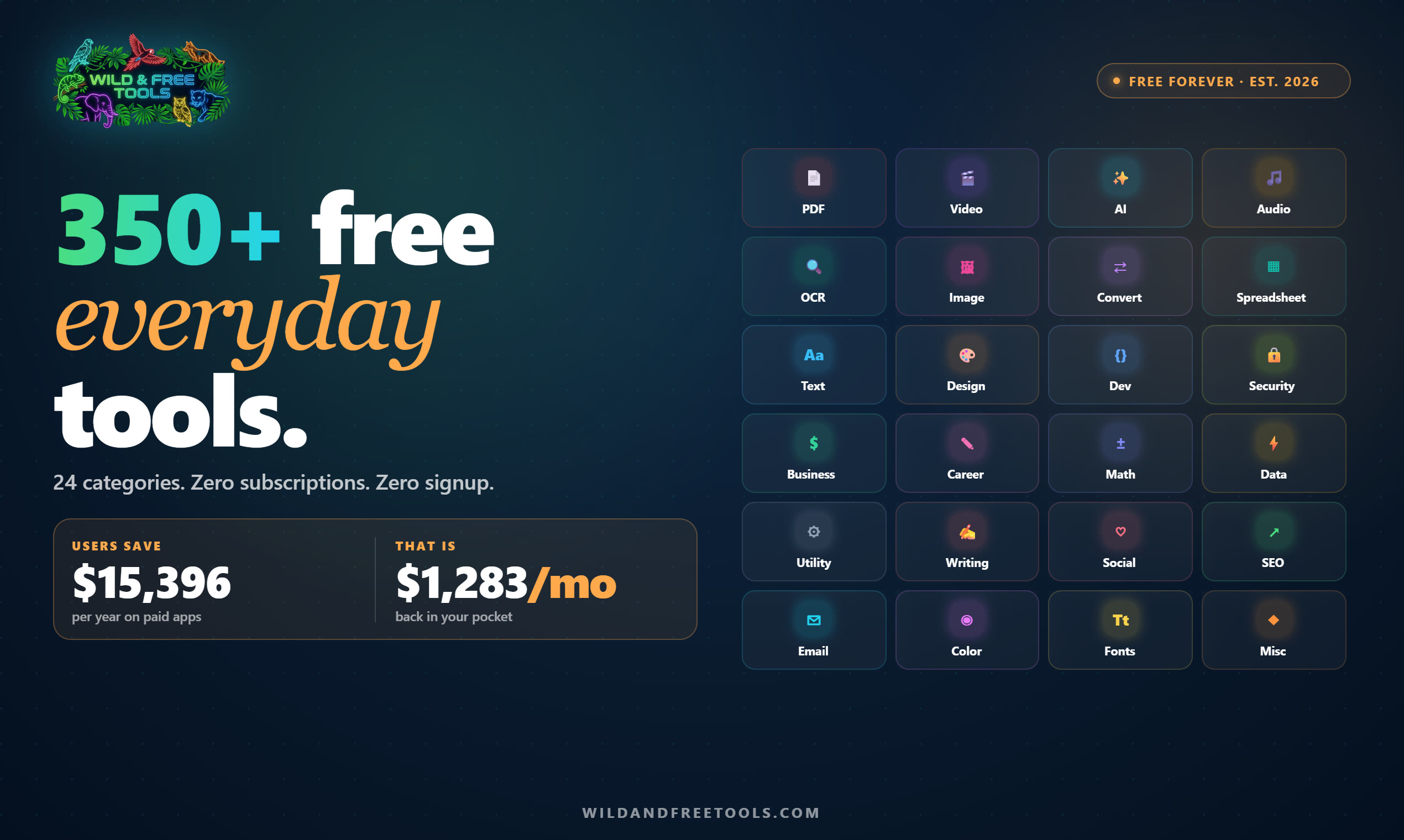
Pre-designed social and directory-listing thumbnails. Use the one that matches your layout — brand-forward for grid tiles, product-forward for "screenshot" slots. All are 1500×900 PNG, transparent where relevant, ready to embed.
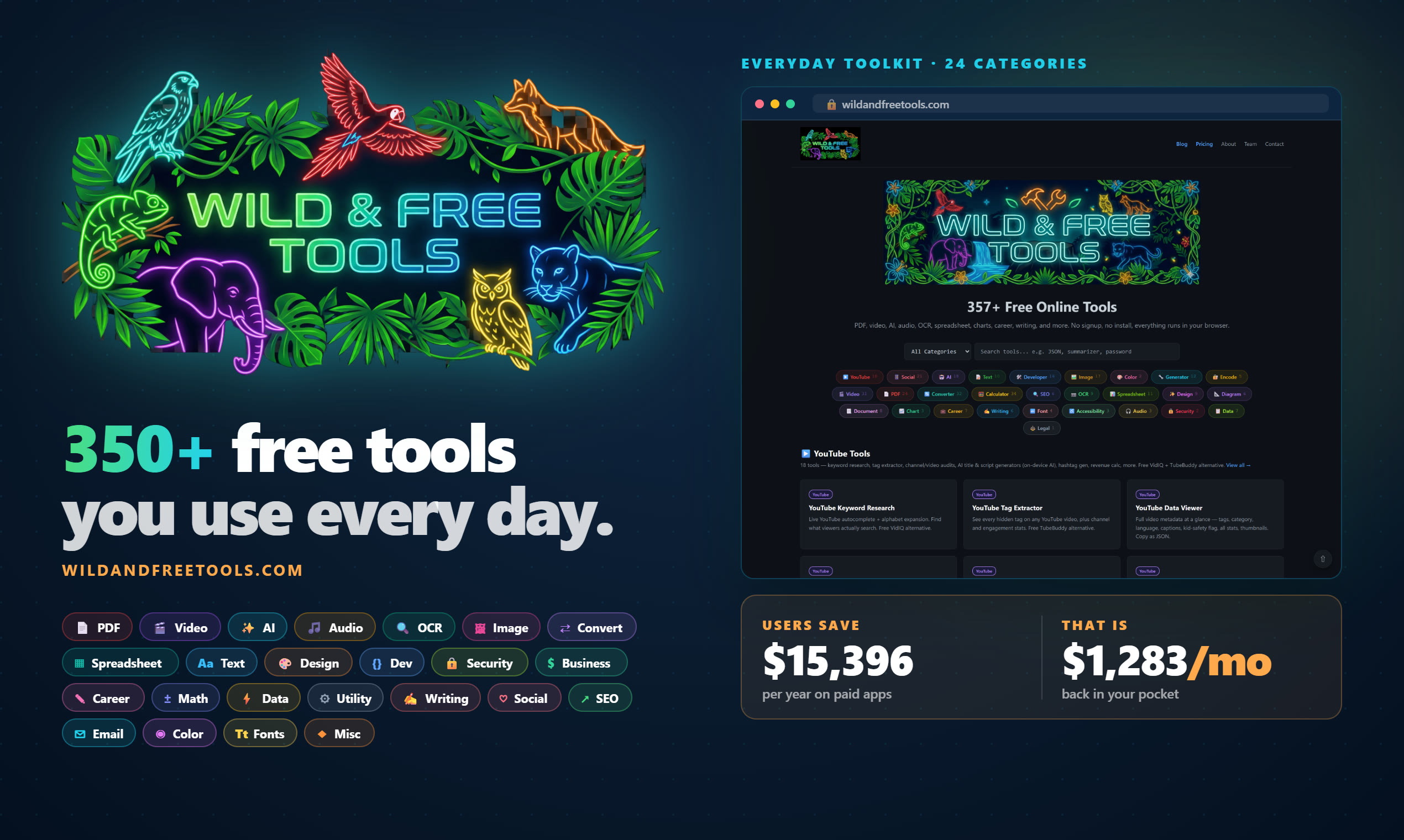
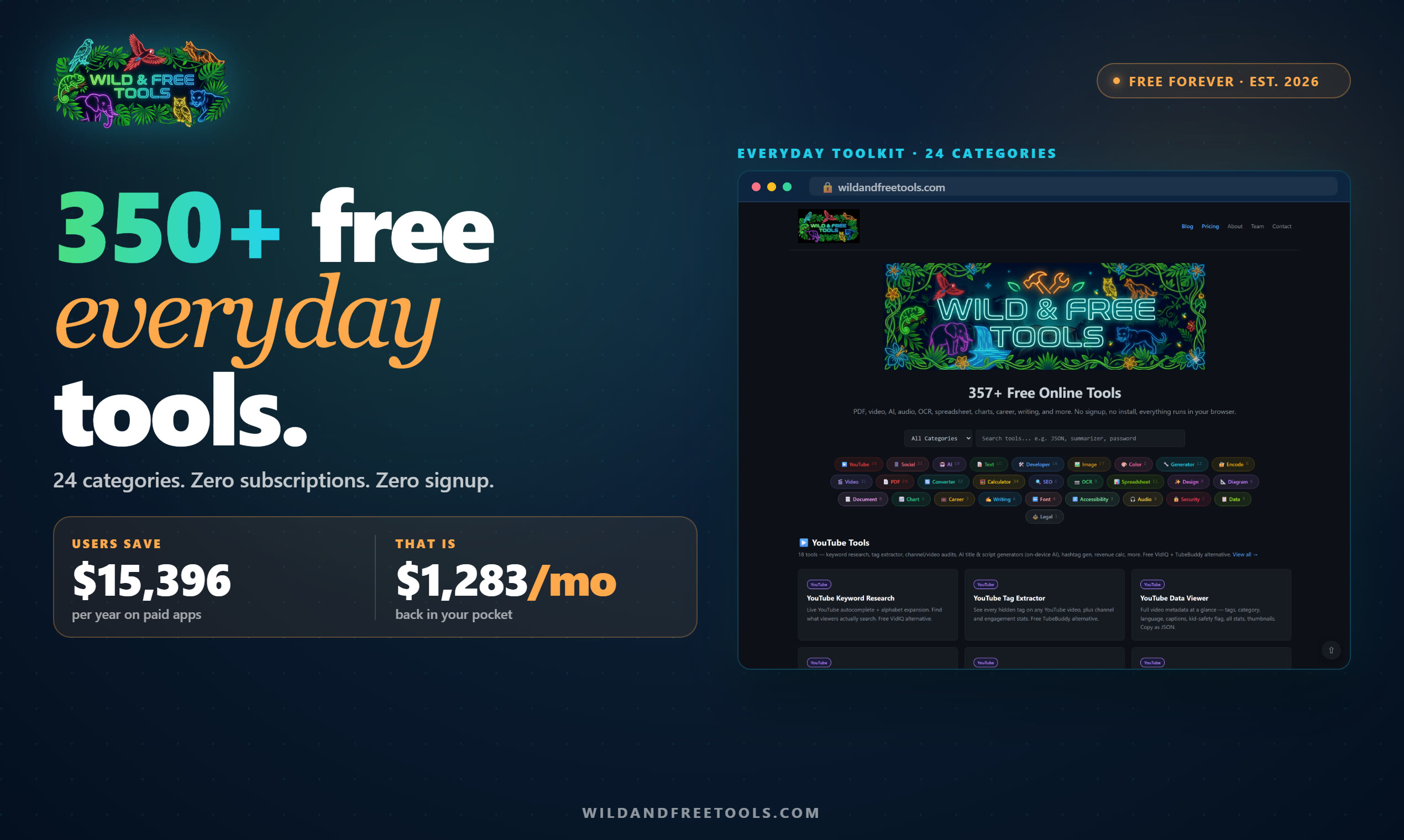

Brand Colors
Usage Guidelines
Do
Use the logo on press articles, directory listings, blog features, podcasts, newsletters, "best free tools" roundups, and review sites. Keep at least a clear-space margin equal to the height of the "W" around the logo.
Don't
Don't modify the logo (stretch, recolor, add text, change the mark). Don't use the logo to imply Wild & Free Tools endorses a product or partnership without written confirmation. Don't place the logo on busy or clashing backgrounds — use the transparent PNG or SVG on a solid background.
Naming
Correct: "Wild & Free Tools" or "WildandFreeTools.com". Avoid: "Wild and Free" alone, "WFT", "WildFree Tools". When in doubt, write the full brand name.
About Wild & Free Tools
Wild & Free Tools is a library of 357+ free online tools for creators, developers, students, marketers, administrators, and anyone who just needs to get a small task done fast. Everything runs in your browser — no account to create, no software to install, no files uploaded to a server. The tools stay free forever, funded by modest display ads on a small subset of pages.
The site covers utilities most people pay recurring SaaS subscriptions for: PDF editing, image/video compression, background removal, e-signing, OCR, grammar checking, AI summarizing and writing (on-device via Gemini Nano), QR and barcode generation, invoice creation, color palettes, and dozens of developer utilities. Writing a roundup of free tools or covering the on-device AI trend? This site makes a useful case study.
Press & Partnership Inquiries
Working on a story, roundup, or review? Need a different asset or a specific screenshot? Email us and we'll get back to you fast.
[email protected]